Every concierge desk has one: a binder or a clipboard where visitors write their name, plate and the unit they're visiting. It's the building's memory of who parked there. And it's the first thing that fails after an incident.
The questions a binder can't answer
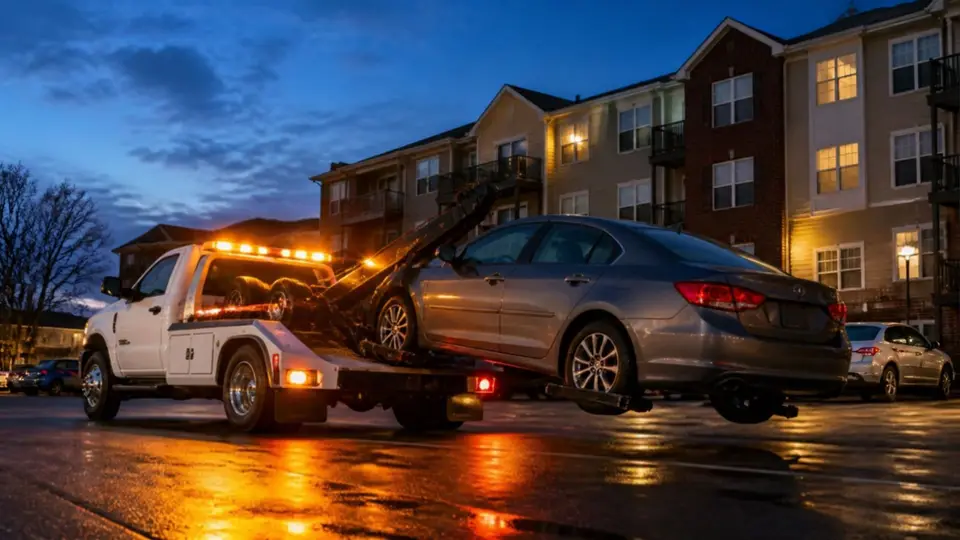
Picture the board meeting after a car is damaged in the visitor garage. Someone asks:
- Which cars were parked on level P1 between 9 p.m. and midnight on the 14th?
- Was the blue SUV approved, and by whom?
- How many visitor nights did unit 1204 use last month?
- Has this plate been here before?
With a binder, each answer means flipping pages, reading three people's handwriting and hoping nobody skipped a line. Often the honest answer is "we don't know."
Where handwritten logs break
Unreadable and incomplete
Plates are written in a hurry: is that a 0 or an O, an 8 or a B? Busy evenings mean entries are skipped altogether. A log is only as good as the busiest shift.
Not searchable
Finding a plate means reading every page. Finding a pattern, like one unit using the visitor level as a second spot, is practically impossible.
One copy, one place
The binder sits at the desk. Patrol in the garage can't see it, the property manager at head office can't see it, and if it's lost or coffee-stained, the history is gone.
No proof of who decided
"The resident said it was fine" is not a record. When a guest is turned away or a car is towed, there's nothing showing who approved what, and when.
A log that writes itself
In ParkCommand the record is created by the request: when a guest asks to park, the plate, unit, times and photo are saved; when the resident or the desk approves, their name and the time are saved too. Nobody types anything twice.
| Before | With ParkCommand |
|---|---|
| Messy handwriting, missing entries | Plates typed by the guest, checked, and stored with every request |
| Flipping pages to find a plate | One search box: plate, name, unit or pass code, across the whole building |
| Only the desk can see the binder | Desk, patrol and managers see the same live records, on any device |
| "The resident said it was fine" | Who approved, who declined and when, recorded in the audit trail |
| No numbers for the board | Visitor use by unit, repeat plates and exports to Excel or PDF |
What the desk gains
The front desk stops being a data-entry station. Its screen shows what matters right now: requests waiting for approval, guests arriving, passes that just expired. When a resident is away, the desk can approve on their behalf, and that decision is recorded too.
Requests that don't match a unit, a typo in the unit number for example, don't vanish: they go to the desk, which can sort them out with the guest.
Getting started
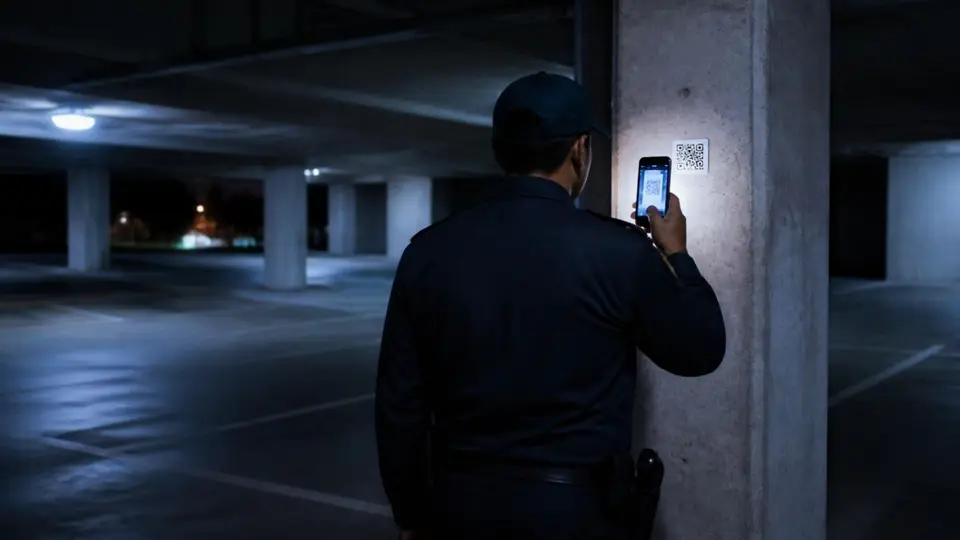
Import your units and residents from the spreadsheet you already have, print the lobby QR poster, and run the binder alongside for a week. The first time someone asks "who was parked here on the 14th?", you'll have the answer in seconds.